


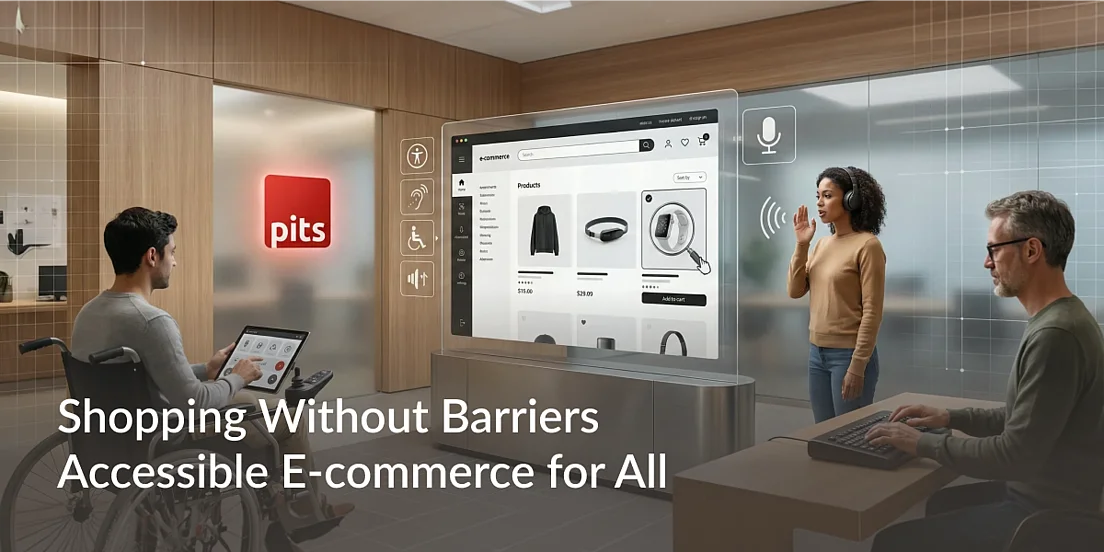
People shop online in many different ways. Some use a mouse on a large screen, others browse on their phones, and many rely on assistive technologies such as screen readers, keyboard navigation, or voice commands. Because of this diversity, e-commerce accessibility is not an optional feature-it is a fundamental part of creating a digital shopping experience that works for everyone.
An accessible e-commerce platform ensures that customers can browse products, understand information, add items to their cart, and complete a purchase without unnecessary obstacles. Many organizations partner with PIT Solutions to ensure accessibility is built into their e-commerce platforms from the very beginning, creating experiences that are inclusive, practical, and easy to use for all customers.
Example: A visually impaired customer browsing products using a screen reader on a mobile device.
Good practice: Ensure product names, prices, and action buttons are clearly labelled so assistive technologies can announce them accurately.
Why E-commerce Accessibility Matters
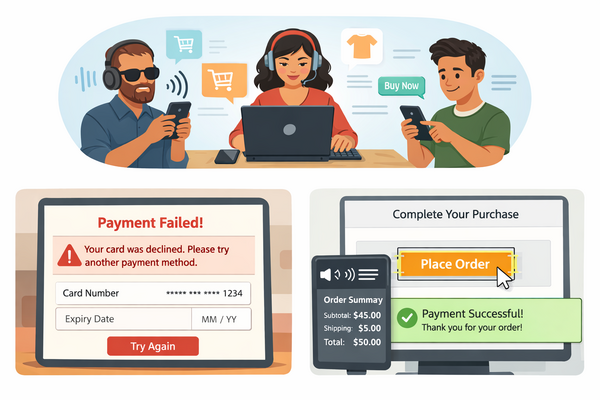
When it comes to accessibility, it really comes down to one simple question:
Can every customer complete their purchase on their own?
That question keeps the focus where it belongs-on real people, not just technical rules. Checkout and payment are the most important moments in any shopping journey. This is where e-commerce accessibility makes a real difference, influencing whether a customer feels confident moving forward or quietly gives up and leaves.
Often, it’s not a big problem that stops someone-it’s something small. A button that can’t be reached using a keyboard. A label that isn’t read properly by a screen reader. These tiny issues can be enough to block a purchase at the final step.
Accessibility isn’t just about ticking compliance boxes. It’s about making customers feel supported, reassured, and in control as they complete their order.
Example: A customer using only a keyboard reaches checkout but can’t tab to the Place Order button.
Good practice: Make sure every interactive element can be reached and used with a keyboard, following a clear and logical focus order.
Common Accessibility Barriers in Online Shopping
Accessibility starts with understanding how people actually experience an online store. When something doesn’t work, most users don’t stop to report it-they simply leave.
Think about finishing a payment and being unsure whether it went through, or seeing an error message that gives no clue about what went wrong. These moments create confusion and frustration. Over time, they lead to abandoned carts, repeated payment attempts, and a loss of trust in the platform. Fixing these gaps early plays a big role in improving e-commerce accessibility, especially during checkout and payment.
Often, it’s not a major failure that causes the problem-it’s unclear communication.
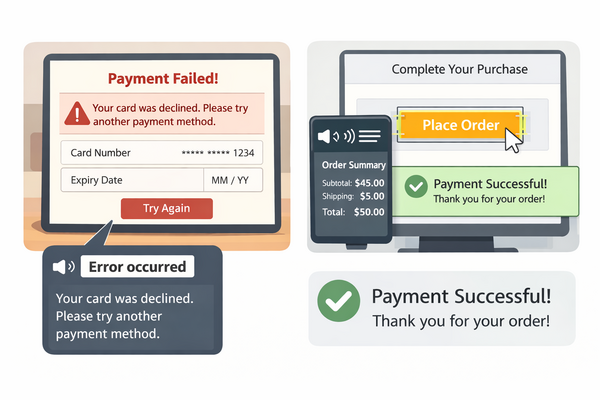
Example: A screen reader announces “Error occurred” after payment, with no further explanation.
Good practice: Use clear, human-friendly messages like “Your card was declined. Please try another payment method.”
Best Practices for Accessible E-commerce Design
Good e-commerce accessibility starts with the basics: a clear structure, helpful feedback, and navigation that behaves in a predictable way. Shoppers should never have to guess where they are or what to do next-especially during checkout and payment.
These flows need to work smoothly for everyone, no matter how they access the site. That includes people using screen readers, navigating only with a keyboard, zooming in heavily, or relying on higher contrast to read content. When accessibility is built into these steps and tested properly, customers can complete their purchase on their own, without frustration or extra effort.
A smooth, accessible checkout does more than meet guidelines-it builds confidence at the moment that matters most.
Example: A customer completes the entire checkout process using only a keyboard and a screen reader.
Good practice: Regularly review checkout and payment flows under real-world conditions, not just ideal scenarios, to catch issues early.
Business Benefits of E-commerce Accessibility
Many accessibility issues show up when users have to enter details, make choices, or fix mistakes. Things like forms without clear labels, confusing steps between pages, or error messages that don’t explain what went wrong can quickly interrupt the shopping flow-especially for people using assistive technologies.
This is where e-commerce accessibility really matters. When these moments are handled well, users feel more confident and stay engaged. When they’re not, frustration sets in and shoppers often leave before completing their purchase.
Clear structure and helpful feedback make a noticeable difference. When users know exactly what’s expected and how to correct an issue, they’re far more likely to move forward without hesitation.
Example: A checkout form field shows only placeholder text and no visible label.
Good practice: Always use visible labels, simple instructions, and error messages that clearly explain what needs to be fixed.
Accessibility Standards Every Online Store Should Follow
Not everyone uses a mouse. For many users, the keyboard is the primary way to navigate a website. Ensuring that the entire shopping and checkout experience works smoothly with a keyboard helps uncover issues such as skipped fields, hidden buttons, or focus traps.
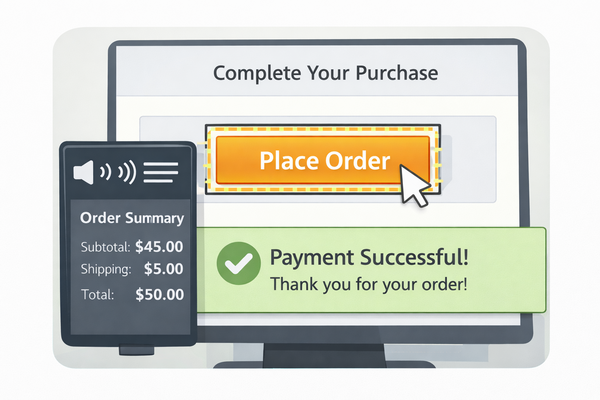
For screen reader users, it is equally important that key information-such as order totals, selected payment methods, and payment results-is announced clearly and at the right time.
Example: Keyboard focus jumps from the email field directly to the “Pay” button, skipping address details.
Good practice: Maintain a logical focus order and ensure pop-ups or payment gateways do not trap keyboard focus.
Security measures such as OTP verification and CAPTCHA are essential, but they should never prevent genuine customers from completing their purchase. When these steps are not designed with accessibility in mind, they can unintentionally block users with disabilities.
Accessible security solutions protect users while keeping the experience clear and usable.
Example: A CAPTCHA image with no audio or accessible alternative.
Good practice: Use accessible CAPTCHA options and ensure OTP input fields are clearly labeled and compatible with assistive technologies.
How PIT Solutions Supports Accessible Digital Commerce
Accessibility works best when it’s built with real people in mind-not just rules and guidelines. At PIT Solutions, the focus is on understanding how different users actually experience an online store and removing the friction that gets in their way.
The team works alongside businesses to create e-commerce platforms that are easy to navigate, simple to understand, and comfortable to use for everyone. Accessibility is considered right from the start-during design, development, and testing-so it becomes part of the experience, not something added later.
Whether it’s browsing products, using the cart, completing checkout, or getting clear confirmation after a payment, the goal is the same: make customers feel confident and supported at every step. When accessibility is done right, it doesn’t just help users with disabilities-it improves the experience for all shoppers.
Future of Inclusive E-commerce Experiences
The future of e-commerce is about putting people first. As online shopping becomes more advanced and more personalized, customers will expect experiences that are not only fast and secure, but also easy and inclusive.
Technologies like voice search, AI-driven recommendations, and mobile-first shopping open up new possibilities-but only if they’re designed so everyone can use them. Businesses that think about accessibility today will be better prepared for what comes next.
Inclusive e-commerce isn’t just about meeting standards. It’s about building trust, reaching more customers, and creating digital spaces where everyone feels welcome. Brands that invest in accessibility now are helping shape a more open and user-friendly future for online shopping.
References & Accessibility Guidelines
For readers who want to explore accessibility standards and best practices further, the following resources are recommended:
- Web Content Accessibility Guidelines (WCAG) 2.x – W3C
https://www.w3.org/WAI/standards-guidelines/wcag/ - WCAG Quick Reference
https://www.w3.org/WAI/WCAG21/quickref/ - WAI – Introduction to Web Accessibility
https://www.w3.org/WAI/fundamentals/accessibility-intro/ - ARIA Authoring Practices
https://www.w3.org/WAI/ARIA/
Ready to make your e-commerce platform accessible to everyone?
PIT Solutions helps businesses build online stores that are easy to use, inclusive by design, and ready for long-term growth. With the right focus on e-commerce accessibility, you can create shopping experiences that work for every customer-without adding complexity.